Unlock Hidden Insights: Google’s Search Console API Now Supports Branded & Multimodal Data
Have you ever wondered how much of your website’s traffic truly recognizes your brand versus just stumbling upon you accidentally? Well, Google just made that a heck of a lot easier to figure out—with a twist. They’re rolling out three slick features from their Search Console Performance report right into the Search Analytics API. That means developers and tool makers can finally automate what used to be a tedious mess of patching together separate requests or wrestling with complex keyword regex lists. Starting February 21, 2026, you’ll be able to slice your data by branded and non-branded queries, dive into multimodal web search insights (think Google Lens and image uploads), and even filter results across multiple countries or devices in one go. It’s like Google handed us the ultimate Swiss Army knife for search data, but are we ready to wield it? If you’re keen to level up your SEO reporting game and get under the hood of Google’s latest moves, you’ll want to check this out. LEARN MORE.
Google has announced that it is adding three features from its Search Console Performance report to the Search Analytics API. This means website developers and tool makers can build these features directly into their automated reporting systems.
According to Google’s blog post announcing this, the API now supports the branded queries filter, multimodal web search data (web multimodal), and filters that are able to track multiple countries or device types within one API call.
The blog post explains how all three items have been available in the Performance report since they were first implemented. The post then describes the API versions as a solution to “stitching together separate requests or maintaining complex keyword regex lists”.
Branded Data Starts Feb. 21, 2026
Your API results can now include a brandedClassification dimension, which enables you to use either the values BRANDED or NON_BRANDED for filtering or grouping based on branded vs. non-branded searches. According to the API reference documentation, this new dimension provides data only for top-level properties, starting Feb. 21, 2026; however, if a property does not meet the required number of queries and impressions, you will receive an empty table (no rows), the blog post says.
The API reference documentation also states that the branded classification dimension field accepts only the equals operator, and you cannot apply filters or groupings with it in requests with a query filter applied.
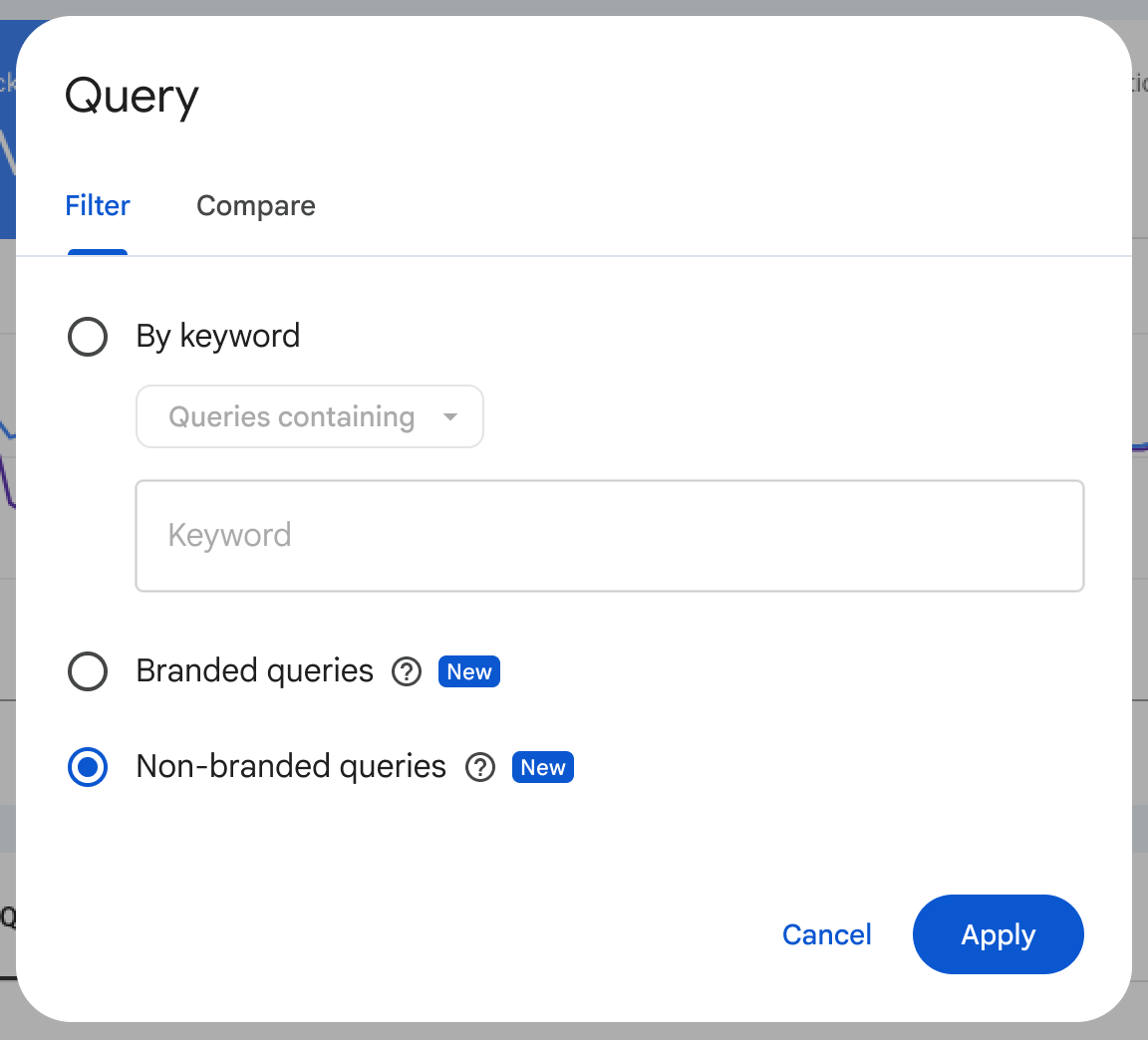
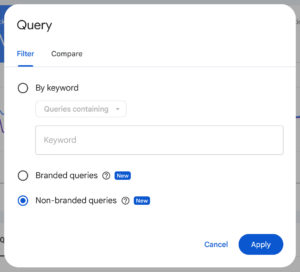
Google’s earlier announcement showed the branded and non-branded options in the Performance report:
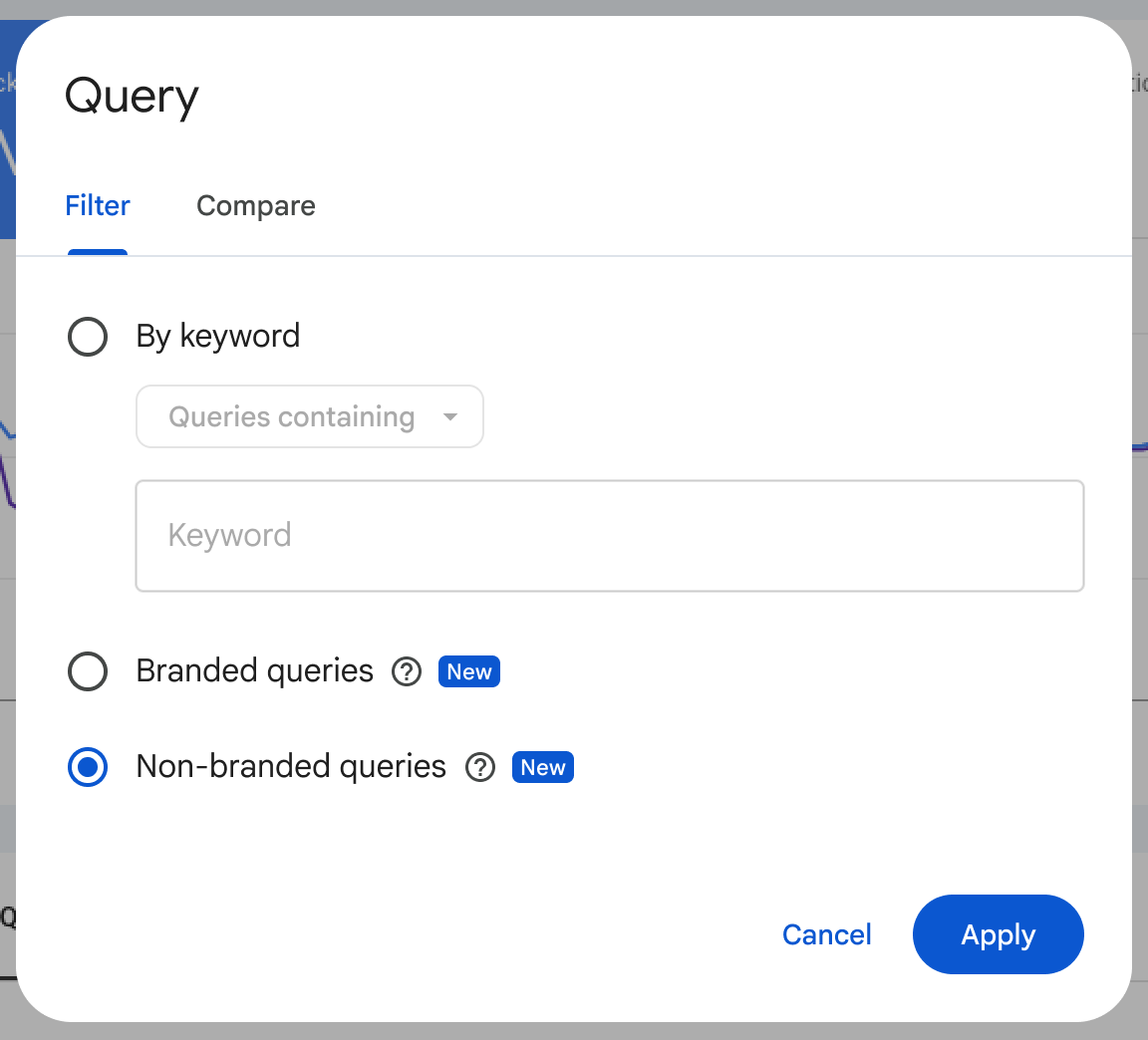
In March, a Search Console user posted a question noting that their branded breakdown only started at approximately Feb. 21. They then asked if it would be possible to have prior data broken out into two different categories. Google’s John Mueller responded that there is “a point when the data starts being tracked,” as reported by Roger Montti.
Multimodal Data Gets Its Own API Type
Searches with Google Lens provide multimodal performance metrics when type is set to webMultimodal, as do Circle to Search on an Android device and uploading images to Google Search, according to the reference.
After multimodal reporting was enabled by Search Console on Sept. 24, I reported that the API reference did not have a separate multimodal type value listed. The reference, last updated Nov. 16, now lists one.
Google’s September announcement illustrated the multimodal option in the report’s search-type filter:
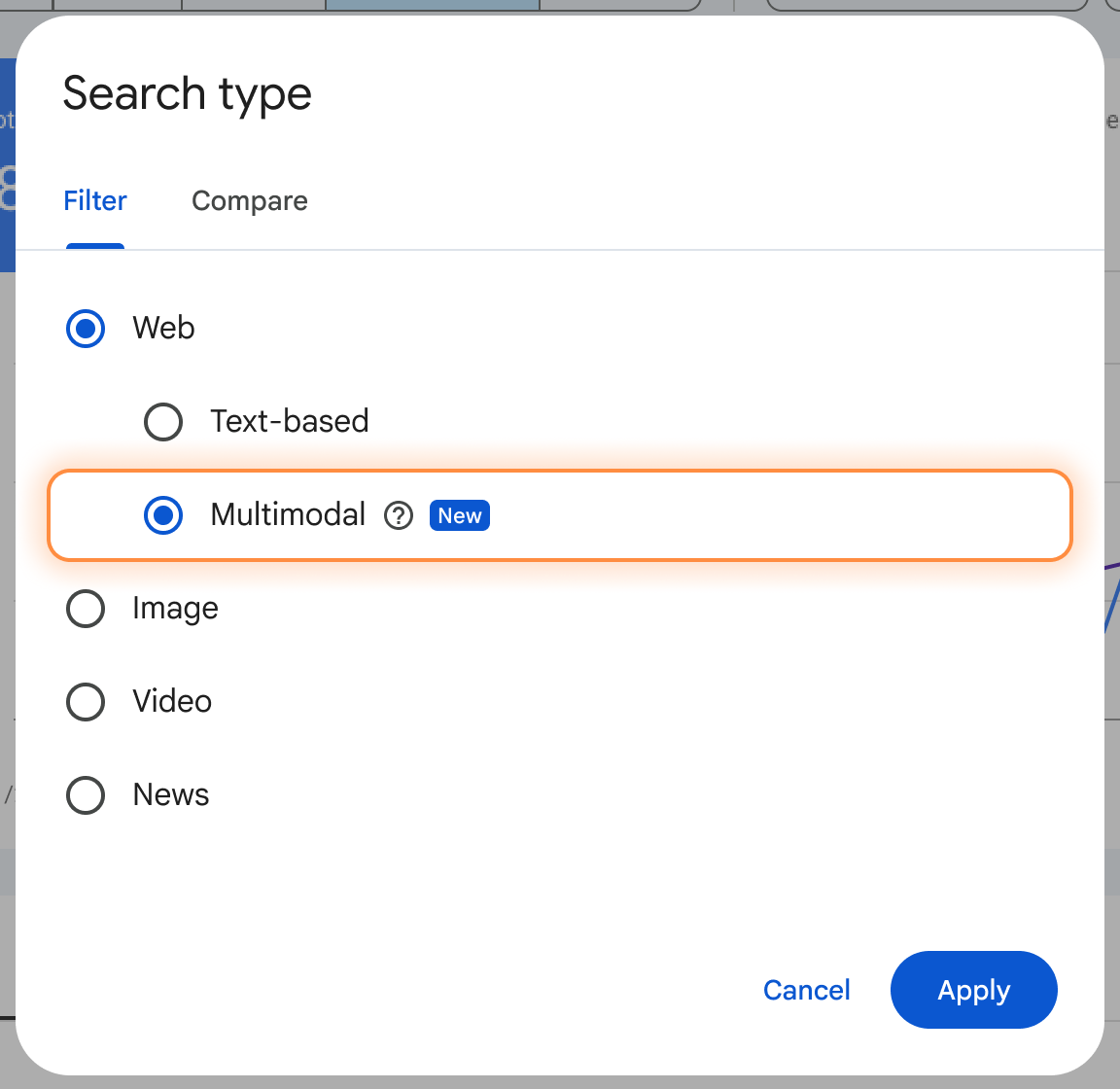
Google’s September announcement also listed Chrome’s right-click “Search this image” feature, and the Performance report help page includes Chrome image search. The API post and reference don’t mention Chrome.
The Nov. 16 post says multimodal data “will also be available in BigQuery for properties with an active bulk data export” but doesn’t give a date. As of Nov. 16, the bulk export table reference lists six search types, with no multimodal value yet.
Several Countries Or Devices In One Request
A brand-new field, filterLists, enables users to filter results by multiple countries or multiple devices in one request. The examples given in the post are country-based groupings like EMEA, LATAM or DACH.
The reference limits filterLists to country and device dimensions and matches on exact values only. Users cannot use the same dimension (country or device) in filters and in filterLists in the same request.
Why This Matters
On eligible properties, the new feature allows teams using the API to capture a branded/non-branded split in their reporting tools, starting Feb. 21, 2026. For data prior to this date, the API’s split has no ability to break out branded vs. non-branded search traffic.
Google uses an AI-assisted process to determine which searches are branded or non-branded. According to Google’s November 2025 announcement, “some queries may occasionally be misidentified”. To identify discrepancies, run the API branded/non-branded split alongside a brand regex you have been using and see where they differ.
As of Nov. 16, the API reference does not indicate if web results include webMultimodal data. Before adding your web and webMultimodal totals together, check how your API web numbers match against the text-based and multimodal numbers in the Performance report.
Looking Ahead
As of Nov. 16, neither Google’s post nor the API reference explains how far back webMultimodal data goes. Check the API reference and the bulk export table reference for a BigQuery date, the start date for multimodal history, and any mention of Chrome image search.
Featured Image: aileenchik/Shutterstock







Post Comment