Google’s Crawl Team Uncovers Hidden Flaws in Popular WordPress Plugins—What It Means for Your Website
Ever wonder what happens when Google’s crawl team starts playing bug detective with WordPress plugins? Turns out, they’re on a mission to squish those pesky URL parameters that gobble your crawl budget like there’s no tomorrow. Gary Illyes from Google recently spilled the beans on the latest episode of the Search Off the Record podcast — highlighting how WooCommerce got pinged for its add-to-cart URLs and, kudos to them, they fixed it pronto. But here’s the kicker: not every plugin player is so eager to tidy up their yard. Some barely blinked at Google’s bug reports, leaving infinite URL mazes to haunt site owners and Googlebot alike. So, what does this mean for your site’s SEO health? Is it fair to shoulder the blame when third-party plugins bloat your crawl space? Spoiler alert: Google insists it’s still on you to manage the mess — before it turns into a full-blown server nightmare. Fancy a deeper dive into the crawl chaos and how your plugins might be undermining your site’s crawl efficiency? LEARN MORE.

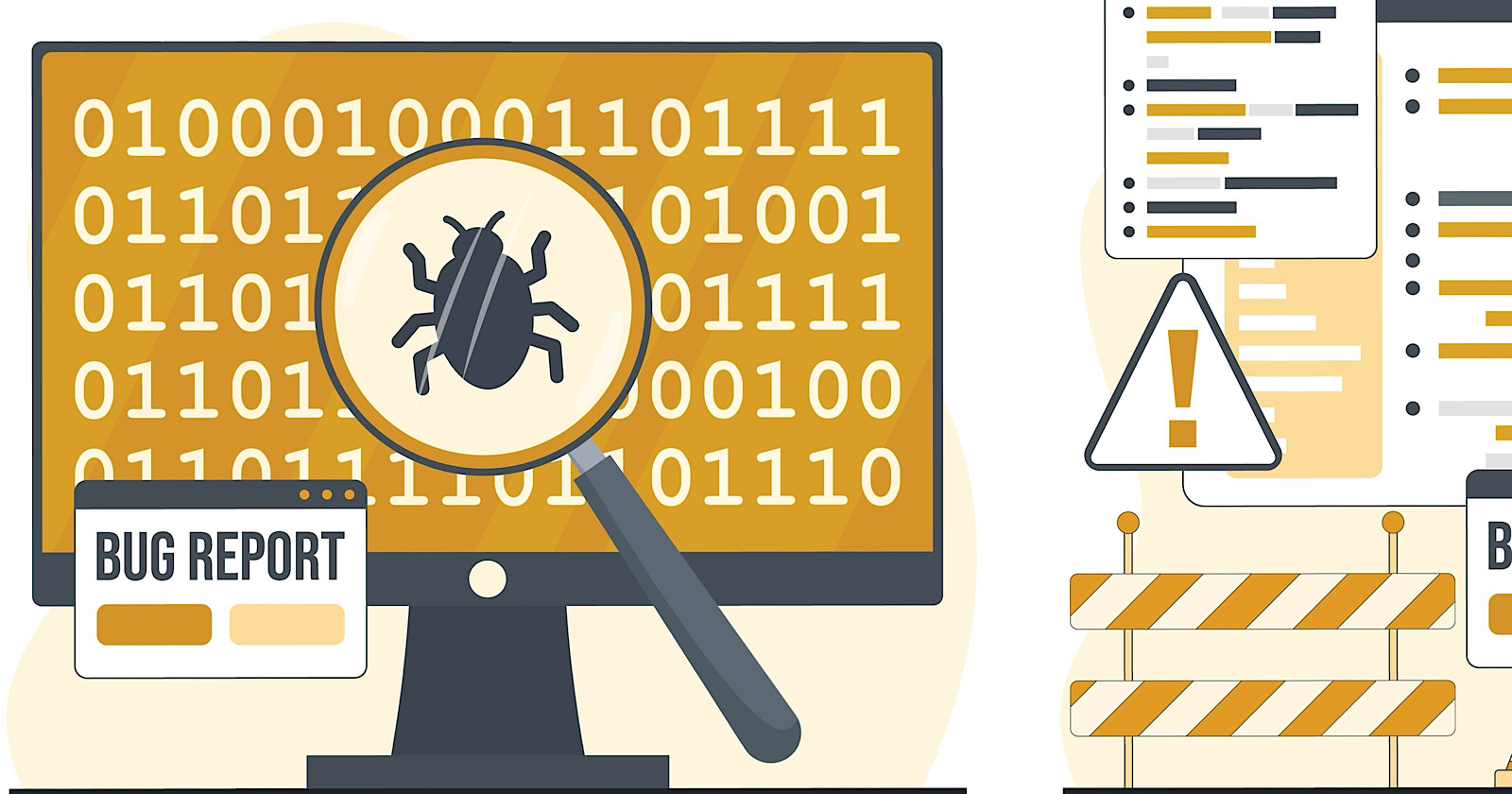
Google’s crawl team has been filing bugs directly against WordPress plugins that waste crawl budget at scale.
Gary Illyes, Analyst at Google, shared the details on the latest Search Off the Record podcast. His team filed an issue against WooCommerce after identifying its add-to-cart URL parameters as a top source of crawl waste. WooCommerce picked up the bug and fixed it quickly.
Not every plugin developer has been as responsive. An issue filed against a separate action-parameter plugin is still sitting unclaimed. And Google says its outreach to the developer of a commercial calendar plugin that generates infinite URL paths fell on deaf ears.
What Google Found
The details come from Google’s internal year-end crawl issue report, which Illyes reviewed during the podcast with fellow Google Search Relations team member Martin Splitt.
Action parameters accounted for roughly 25% of all crawl issues reported in 2025. Only faceted navigation ranked higher, at 50%. Together, those two categories represent about three-quarters of every crawl issue Google flagged last year.
The problem with action parameters is that each one creates what appears to be a new URL by adding text like ?add_to_cart=true. Parameters can stack, doubling or tripling the crawlable URL space on a site.
Illyes said these parameters are often injected by CMS plugins rather than built intentionally by site owners.
The WooCommerce Fix
Google’s crawl team filed a bug report against the plugin, flagging the add-to-cart parameter behavior as a source of crawl waste affecting sites at scale.
Illyes describes how they identified the issue:
“So we would try to dig into like where are these coming from and then sometimes you can identify that perhaps these action parameters are coming from WordPress plug-ins because WordPress is quite a popular CMS content management system. And then you would find that yes, these plugins are the ones that add to cart and add to wish list.”
And then what you would do if you were a Gary is to try to see if they are open source in the sense that they have a repository where you can report bugs and issues and in both of these cases the answer was yes. So we would file issues against these uh plugins.”
WooCommerce responded and shipped a fix. Illyes noted the turnaround was fast, but other plugin developers with similar issues haven’t responded. Illyes didn’t name the other plugins.
He added:
“What I really, really loved is that the good folks at Woolcommerce almost immediately picked up the issue and they solved it.”
Why This Matters
This is the same URL parameter problem Illyes warned about before and continued flagging. Google then formalized its faceted navigation guidelines into official documentation and revised its URL parameter best practices.
The data shows those warnings and documentation updates didn’t solve the problem because the same issues still dominate crawl reports.
The crawl waste is often baked into the plugin layer. That creates a real bind for websites with ecommerce plugins. Your crawl problems may not be your fault, but they’re still your responsibility to manage.
Illyes said Googlebot can’t determine whether a URL space is useful “unless it crawled a large chunk of that URL space.” By the time you notice the server strain, the damage is already happening.
Google consistently recommends robots.txt, as blocking parameter URLs proactively is more effective than waiting for symptoms.
Looking Ahead
Google filing bugs against open-source plugins could help reduce crawl waste at the source. The full podcast episode with Illyes and Splitt is available with a transcript.