Why Working from Airports, Trains, and Hotel Lounges Is Secretly Sabotaging Your Productivity — and How to Outsmart It
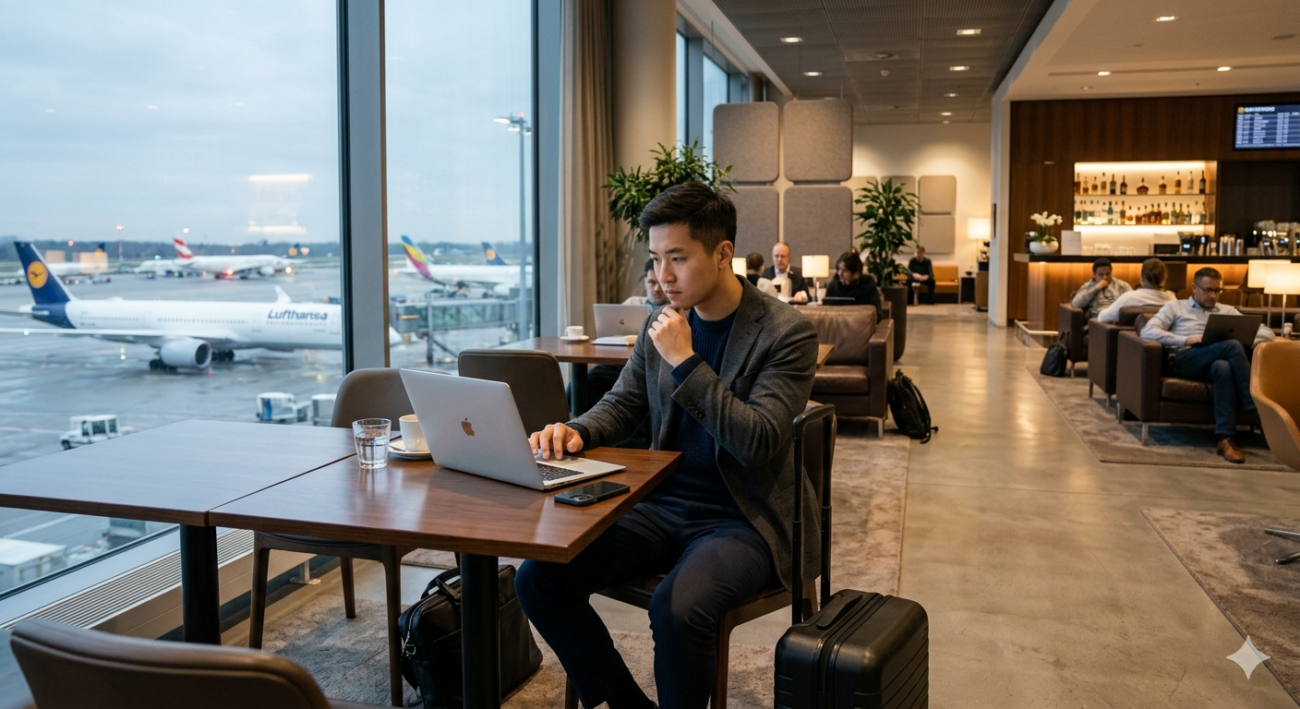
Ever catch yourself typing away on your laptop at a busy airport gate and suddenly wonder, “Hey, who’s eyeballing my screen right now?” It’s that nagging feeling we all get, but rarely admit—until it bites you in the rear with a breach of sensitive info. Visual eavesdropping, or “shoulder surfing,” isn’t just a punchline. It’s a legit threat for anyone juggling confidential emails, juicy client data, or top-secret project plans in public transit hubs. But here’s the kicker: a nifty little privacy screen protector can be your secret weapon—think of it as a digital cloak of invisibility for your MacBook or laptop. No more awkward screen angling or paranoia scanning. And, bonus, some models snap right on and off magnetically, so you stay totally flexible wherever work drags you. Curious how a simple filter turns your screen into Fort Knox and why where you park yourself in a lounge could save your career? Dive in and let’s get your data fortress up and running. LEARN MORE.
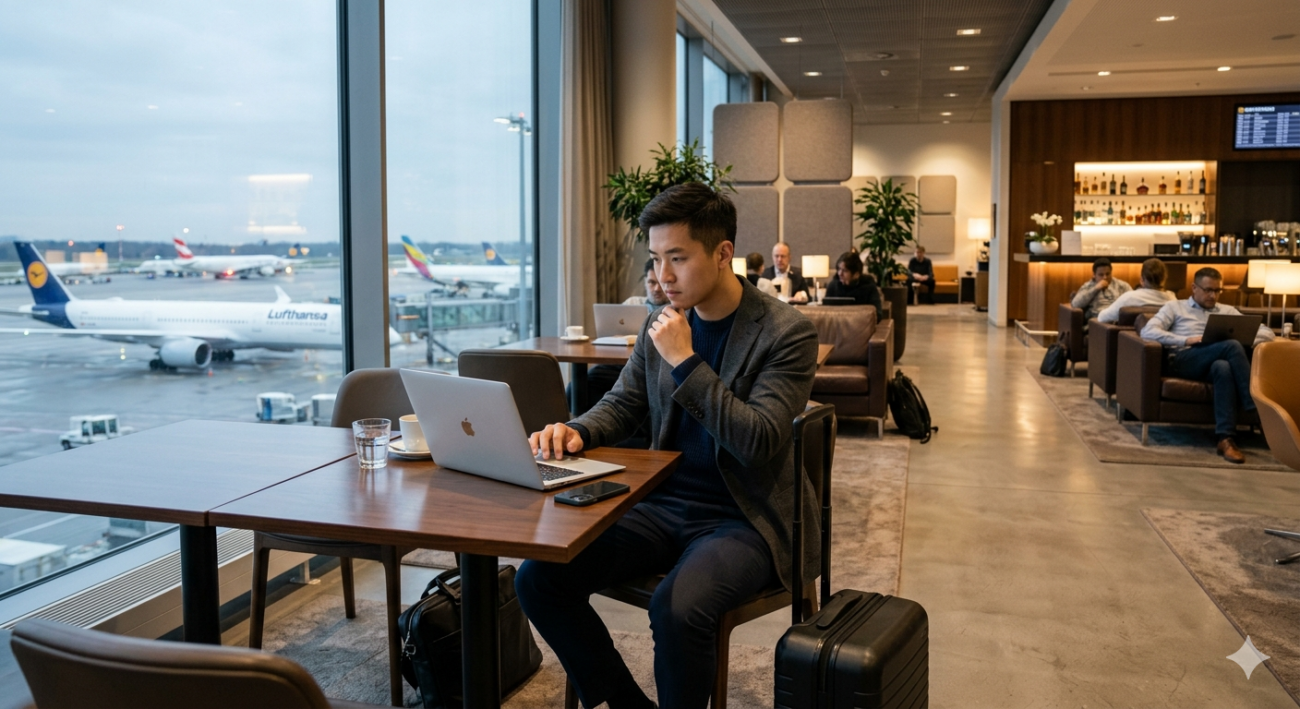
This one doesn’t get talked about nearly enough, but it’s something every professional working in transit needs to take seriously. When you open your laptop at a crowded gate, on a train, or in a hotel lounge, your screen is visible to anyone seated or walking nearby. Confidential emails, client data, financial documents, internal strategy decks — all of it can be seen by a stranger two seats away.
This is not a theoretical concern. Visual eavesdropping (“shoulder surfing”) is a real and well-documented risk, particularly in high-traffic transit environments. For consultants, lawyers, finance professionals, founders, and anyone handling sensitive business data, the exposure is significant.
How to fix it:
The most practical solution is a privacy screen protector — a filter that limits your display’s viewing angle so only the person directly in front of the screen can see what’s on it. From the side, the screen appears dark or obscured.
For MacBook users, Clarmuse offers magnetic privacy screen protectors designed specifically for MacBook Air and MacBook Pro models. The magnetic attachment system means they’re easy to put on and take off — you’re not stuck with the filter at your home desk, you apply it when you’re in public and remove it when you’re not. The model-specific fit (they cover 13.0”, 13.3″, 13.6″, 14.2″, 15.3″, and 16.2″ MacBook models) avoids the frustrating imprecision of generic “fits most 13-inch laptops” products.
If you regularly work in transit, a privacy filter is one of those small purchases that becomes immediately indispensable. It reduces the mental load of constantly angling your screen or checking who’s nearby — and for professional contexts, it’s simply the responsible choice.
Beyond privacy filters, you can reduce exposure by being selective about where you sit. Back-to-wall seating in cafés and lounges eliminates rear viewing entirely. Corner spots in airport gate areas give you visibility of the space without exposing your screen to a crowd.